Linkinize 3 is around the corner and we can’t be more exited to share what’s new in it with you! This major update brings exciting new features, improvements, and a streamlined user experience to enhance your productivity. In this post, we’ll dive into the most significant updates, from multiple workspaces to performance boosts and more.
🎨 Fresh UI & Navigation
One of the standout features of Linkinize 3 is the sleek, modern user interface. The navigation has been restructured to be more intuitive and visually appealing. Key updates include:
- A cleaner sidebar for easy access to workspaces and settings
- Improved mobile navigation for on-the-go access
- A streamlined design for faster interactions and smoother workflows
📁 Multiple Workspaces per Organization
Linkinize 3 introduces support for multiple workspaces per organization, a feature many of you have been asking for! Now, you can:

- Manage separate workspaces for different teams, projects, or clients
- Switch between workspaces seamlessly on both web and extension versions
- Explore our detailed guide on managing workspaces
🔌 Extension Upgrades
The Linkinize browser extension has also received major updates in Linkinize 3:
- A new popup interface makes it easier to switch workspaces and save bookmarks
- Smarter synchronization with the web app to keep your bookmarks organized across devices
- Improved performance, making the extension faster and lighter
🚀 Speed & Performance Enhancements
We’ve made Linkinize faster than ever. Here’s what’s new:
- Reduced load times for a smoother experience
- Smarter caching techniques for quicker access to your data
- Optimized for large organizations with a growing number of workspaces and bookmarks
🧩 New Plugins & Integrations
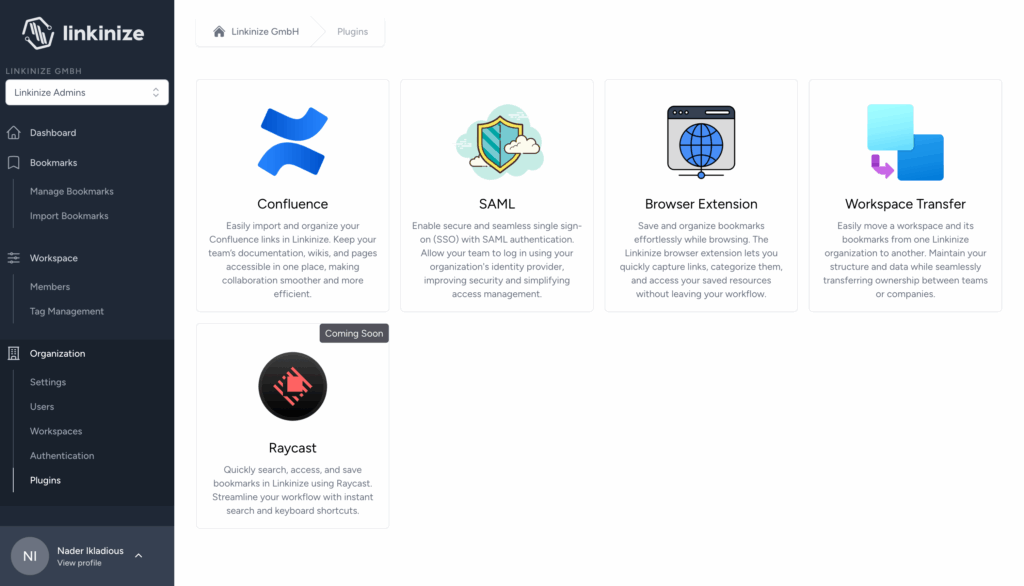
Linkinize 3 introduces some exciting new integrations and plugins, such as:
- Workspace Transfer Plugin: Move workspaces between organizations with ease (learn how to use it here)
- Public Pages Settings: Now moved to Organization > Workspace > Public Page Settings for easier management
- Confluence and SAML integrations have now been moved to the Organization Plugins section
🗂️ Workspace Management for Admins
Admins now have more control with the new Workspace Management section:
- View, edit, or delete workspaces
- Manage workspace members and assign roles
- Create new workspaces with ease
📦 Miscellaneous Improvements
Other improvements include:
- Better bookmark tagging and sorting
- Enhanced keyboard shortcuts for faster navigation
- Various bug fixes and UI polishing for a smoother experience
🔮 What’s Coming in the Linkinize 3.x Series
We’re not done yet! Here’s a sneak peek at what’s next:
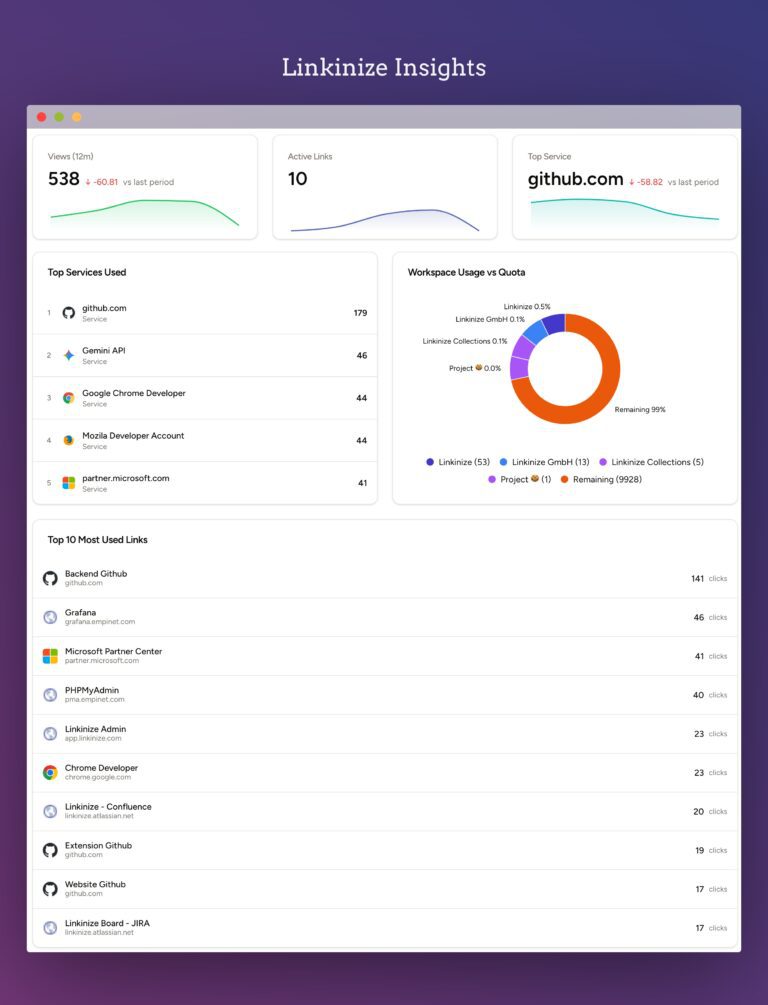
- Organization-level analytics for deeper insights into usage
- Auto-sorting features for bookmarks in the extension
💬 Final Thoughts
Linkinize 3 represents a giant leap forward for our platform. We’re excited about these changes and hope they’ll make your experience even better. As always, we value your feedback — let us know how you’re finding the new features, and keep sharing your ideas!
Related Links
Ready to explore? Head over to your Linkinize dashboard and check out the new updates today!